
Locking Down Your Inbox: Expert Strategies for Securing Your Email Account
Email is an essential tool for modern communication, serving as a primary conduit for personal, professional, and financial information. Protecting this digital mailbox is critical. A compromised email account can expose sensitive data, leading to identity theft, financial fraud, or reputational damage. This article outlines strategies to robustly secure your email account, covering aspects ranging from provider selection to incident response.
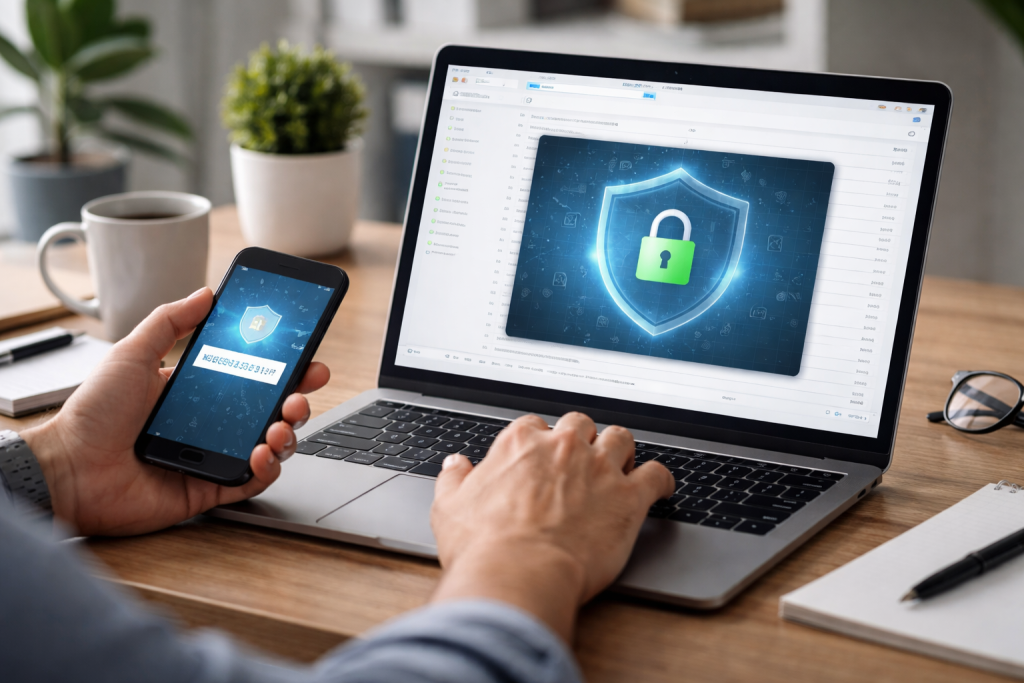
Your email account acts as a digital key to many other online services. Password reset options on banking platforms, social media, and e-commerce sites often rely on access to your registered email address. This interconnectedness means that a breach in your email account can ripple across your entire digital life. Imagine your email as the central hub of your digital identity; if this hub is compromised, the spokes extending from it—your other online accounts—become vulnerable.
Email security extends beyond personal data. For businesses, email is a repository of trade secrets, client communications, and proprietary information. A breach can lead to significant financial losses, legal liabilities, and a loss of trust from customers and partners. Therefore, securing email is not merely a technical task but a fundamental aspect of maintaining privacy and operational integrity.
Not all email providers offer the same level of security. When selecting an email service, consider its security features and policies. Look for providers that offer end-to-end encryption, strong anti-phishing measures, and advanced spam filtering. Transparency regarding data handling and privacy policies is also important.
Some providers may offer features like secure data centers, regular security audits, and bug bounty programs. These indicate a commitment to maintaining a secure environment. For business users, features such as data loss prevention (DLP) and integration with security information and event management (SIEM) systems can be deciding factors. Think of your email provider as the foundation of your email security; a weak foundation will always be a point of vulnerability, regardless of other protective measures you implement.
Contents
- 0.1 Implementing Two-Factor Authentication for Added Protection
- 0.2 Creating Strong and Unique Passwords for Your Email Account
- 0.3 Identifying Red Flags in Phishing Emails
- 0.4 Verifying Sender Identity and Link Authenticity
- 0.5 Understanding Different Types of Email Encryption
- 0.6 Setting Up Email Filters and Spam Protection
- 0.7 Educating Yourself and Your Team on Email Security Best Practices
- 0.8 Steps to Take Following a Compromise
- 0.9 Reporting the Breach and Seeking Assistance
- 1 FAQs
- 1.1 1. Why is email security important?
- 1.2 2. How do I choose the right email provider for maximum security?
- 1.3 3. What is two-factor authentication, and how does it enhance email security?
- 1.4 4. How can I create strong and unique passwords for my email account?
- 1.5 5. What are some best practices for recognizing and avoiding email phishing scams?
Implementing Two-Factor Authentication for Added Protection
Two-factor authentication (2FA) adds a crucial layer of security. It requires a second form of verification beyond just a password to access your account. This second factor can be a code sent to your phone, a fingerprint scan, or a hardware security key. Even if an attacker obtains your password, they cannot access your account without this second factor.
Activating 2FA on your email account is a straightforward process for most major providers. It significantly reduces the risk of unauthorized access. Consider 2FA an extra lock on your digital door. While a single lock (your password) can be picked, two different mechanisms make entry much more difficult.
Creating Strong and Unique Passwords for Your Email Account
Your password is the primary defense for your email account. A strong password combines length, complexity, and uniqueness. It should be long, ideally sixteen characters or more, and include a mix of uppercase and lowercase letters, numbers, and symbols. Avoid using easily guessed information, such as birth dates, names, or common words.
Crucially, each online account should have a unique password. Reusing passwords means that a breach on one service can compromise all other accounts sharing that password. Password managers are valuable tools for generating and storing complex, unique passwords, alleviating the need to remember them all. Treat your password as a physical key; you wouldn’t use the same key for your home, your car, and your office.
Phishing is a common and effective tactic used by attackers to gain access to email accounts or personal information. Phishing emails often mimic legitimate sources, such as banks, government agencies, or well-known companies, to trick recipients into revealing sensitive data or clicking malicious links.
Identifying Red Flags in Phishing Emails
Several indicators can help you identify a phishing attempt. Look for generic greetings instead of your name, urgent or threatening language demanding immediate action, and unusual sender email addresses that do not match the supposed organization. Incorrect grammar, spelling errors, and suspicious links that do not point to the legitimate domain are also common signs. Hovering over a link before clicking can reveal its true destination.
Attackers often create a sense of urgency to bypass rational thought processes. They might claim your account will be suspended or that you have won a prize requiring personal details. Always pause and scrutinize emails that demand immediate action or appear excessively attractive.
Verifying Sender Identity and Link Authenticity
If you receive an email that seems suspicious, do not click on any links or download attachments. Instead, verify the sender’s identity through an independent channel. For example, if an email purports to be from your bank, log in to your bank’s official website directly (by typing the URL into your browser, not by clicking a link in the email) or call their official customer service number. This proactive verification is a critical defense against phishing.
Encryption scrambles your email content, making it unreadable to anyone without the decryption key. This is particularly important when sending sensitive information. Think of encryption as sending your email in a locked box, with only the intended recipient holding the key.
Understanding Different Types of Email Encryption
There are primarily two types of email encryption: transport layer encryption and end-to-end encryption (E2EE). Transport layer encryption, like TLS (Transport Layer Security), protects your email as it travels between servers. Most reputable email providers use TLS by default. However, once the email reaches the recipient’s server, it is typically stored unencrypted.
End-to-end encryption provides stronger protection. With E2EE, your email is encrypted on your device and only decrypted on the recipient’s device. This technique means that even the email provider cannot read the content. Services like ProtonMail and Tutanota offer built-in E2EE. For other providers, you might need to use third-party tools or plugins for E2EE.
Software vulnerabilities are weak points that attackers can exploit. Software developers regularly release updates and patches to fix these vulnerabilities and improve security. Failing to apply these updates leaves your email software susceptible to known exploits.
This issue applies to standalone email clients like Outlook or Thunderbird, as well as the underlying operating system and web browser you use to access webmail. Treat software updates like regular maintenance on your car; neglecting them can lead to breakdowns and unexpected security risks. Enable automatic updates whenever possible to ensure you are always running the most secure version of your software.
Setting Up Email Filters and Spam Protection
Email filters and spam protection tools are your frontline defense against unwanted and potentially malicious emails. Most email providers include built-in spam filters that automatically divert suspicious emails to a junk folder. However, you can often customize these filters to enhance their effectiveness.
Configure filters to block emails from specific addresses, domains, or those containing certain keywords. Be mindful that overaggressive filtering can sometimes flag legitimate emails as spam, so regular review of your spam folder is advisable. These filters act as a bouncer for your inbox, turning away unwelcome guests before they even reach your door.
Educating Yourself and Your Team on Email Security Best Practices
Technology alone is not enough to maintain robust email security. Human error remains a significant factor in security breaches. Therefore, ongoing education is vital for both individuals and organizations.
Regularly review and understand common threats such as phishing, social engineering, and malware. Learn how to identify suspicious emails and links. For teams, conduct periodic training sessions and simulations to reinforce secure email habits. Foster a culture where employees feel comfortable reporting suspicious emails without fear of reprisal. A well-informed user base is your strongest defense; knowledge is the armor that protects against many digital threats.
Despite all precautions, a breach can still occur. Having a clear plan in place for how to respond to a compromised email account can mitigate damage and facilitate recovery. Your response plan acts as a fire drill for a digital emergency.
Steps to Take Following a Compromise
Immediately change your password if you suspect a compromise in your email account. Choose a new, strong, and unique password. If you use 2FA, ensure it is still active and that no unauthorized devices have been added. Review your email settings for any unusual forwarding rules or changes to recovery options.
Next, notify your contacts about the breach. Inform your contacts about the compromise of your account and advise them to ignore any recent suspicious emails from you. This helps prevent the threat from spreading. Also, check other online accounts that use the same email address for password resets, and change those passwords as well. Monitor bank and credit card statements for fraudulent activity if the compromised account contained financial information.
Reporting the Breach and Seeking Assistance
Report the breach to your email provider. They may be able to provide tools or assistance in securing your account and identifying the source of the compromise. Depending on the nature of the information exposed, it might also be necessary to report the incident to relevant authorities or organizations, such as law enforcement or credit bureaus. A swift and organized response can contain the damage and restore integrity to your digital communications.
FAQs
1. Why is email security important?
Email security is important because it helps protect sensitive information from unauthorized access, ensures the privacy of communication, and prevents cyber attacks such as phishing scams and malware distribution.
2. How do I choose the right email provider for maximum security?
When choosing an email provider for maximum security, consider factors such as encryption capabilities, two-factor authentication options, spam filtering, and the provider’s track record for handling security breaches.
3. What is two-factor authentication, and how does it enhance email security?
Two-factor authentication adds an extra layer of security to your email account by requiring a second form of verification, such as a code sent to your phone, in addition to your password. This helps prevent unauthorized access even if your password is compromised.
4. How can I create strong and unique passwords for my email account?
To create strong and unique passwords, use a combination of uppercase and lowercase letters, numbers, and special characters. Avoid using easily guessable information such as your name or birthdate, and consider using a reputable password manager to generate and store complex passwords.
5. What are some best practices for recognizing and avoiding email phishing scams?
Best practices for recognizing and avoiding email phishing scams include verifying the sender’s email address, avoiding clicking on suspicious links or attachments, being cautious of urgent or threatening language, and double-checking requests for sensitive information with the supposed sender through a different communication channel.

With over 5 years of experience in digital learning and productivity, we specialize in creating practical and easy-to-follow solutions.Our expertise focuses on simplifying complex concepts into clear, actionable strategies for everyday use.We are committed to helping learners and professionals improve efficiency, build skills, and achieve consistent growth.